Sell to Slovak-speaking customers in their own language. A complete Slovak (Slovenčina) translation for OpenCart 4.0.x and 4.1.x — storefront, admin panel, cart, checkout, emails and every core UI string.
One upload, one click, done. The native OpenCart Extensions Installer handles everything — registers the language, installs the flag, and auto-seeds your catalog so product pages stay visible immediately after switching. Includes 7 days of post-install support and lifetime free updates.
Why Slovak (Slovenčina) is the best-selling OC4 pack in its category
Upload the .ocmod.zip to Extensions → Installer, click install, refresh. No FTP, no manual form filling, no core file edits.
Translates header, nav, search, cart, checkout, account, emails, GDPR/cookie prompts, AND the entire admin dashboard, catalog, orders and settings.
Copies your English product, category and information descriptions into the new Slovak language rows so nothing disappears when a customer switches.
SVG flag + ISO locale string are wired in automatically — admin → System → Localisation → Languages row is pre-populated, nothing manual.
Zero OpenCart core edits — standard .ocmod.zip. Uninstall preserves per-product translations. Supported on OC 4.0.0.0 → 4.1.0.3+.
Works with every major OpenCart theme
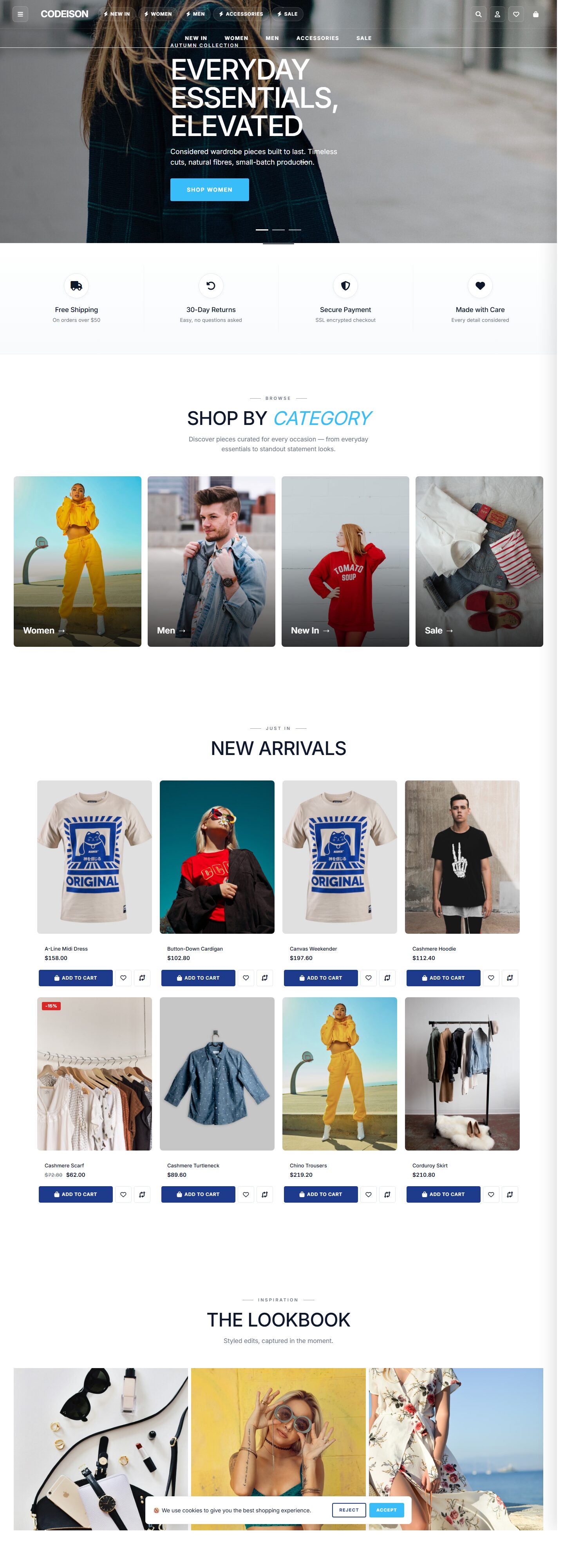
Tested against the default OpenCart theme plus the most popular third-party themes — Journal, Shoppica, Sellya, Fastor, Pavilion, So OpenMart, Shoppy, Pav and more. Standard OCMOD packaging means zero core file edits, so theme upgrades won't break it.
Frequently Asked Questions
Does it work on OpenCart 4.1?
Will it overwrite my custom translations?
How do I install it?
What happens when I uninstall?
Is the translation machine-generated or human?
Do third-party extensions get translated too?
What if I find a string that is wrong?
Can I use it on multiple stores?
Do I get future updates?
What support is included?
Will it work with my OpenCart theme?
28 reviews
Best opencart Extension
Amazing support !!
Solid product. Fixed our multilingual store in one afternoon. Saved us days of manual translation.
As a developer maintaining multi-country stores for clients, this saves me a huge amount of billing time.
Good value at this price. UI strings are accurate — including the less-common ones like GDPR pages and subscription flow.
No conflicts with our payment or shipping modules. Auto-registers the language, auto-seeds product descriptions. Great.
Works as expected on OC 4.0.2.3. Minor UI alignment issue in the Slovenčina admin with very long labels but nothing critical.
The Extensions > Install flow just works. No manual form filling, no broken placeholders. My team rolled this out to 3 stores in under 30 minutes.
Updating existing stores is easy too — uninstall keeps description rows so we don't lose manual translations. Edit: support replied to my ticket in 4 hours and pointed me to a troubleshooting note I'd missed. A+
Translation quality for Slovak is genuinely good. We had a native speaker review a handful of pages — they were happy with 95%+. Follow-up: tested the uninstall too and it cleanly removes the extension without breaking the default English pages.
As a developer maintaining multi-country stores for clients, this saves me a huge amount of billing time.
Solid product. Fixed our multilingual store in one afternoon. Saved us days of manual translation.
The flag renders correctly in the switcher, the locale string is right, and the admin form is pre-filled. Polished.
Good value at this price. UI strings are accurate — including the less-common ones like GDPR pages and subscription flow.
Simple install, clean translations. Works perfectly on OC 4.0.2.3.
Installed on our OC4 store in about a minute. Our Slovak customers can finally browse in their own language — conversion is up, support tickets down. Worth every penny.
Good pack overall. One minor string in checkout looked machine-translated but customer-facing labels were accurate.
Works as expected on OC 4.0.2.3. Minor UI alignment issue in the Slovenčina admin with very long labels but nothing critical.
Translation quality for Slovak is genuinely good. We had a native speaker review a handful of pages — they were happy with 95%+. Edit: support replied to my ticket in 4 hours and pointed me to a troubleshooting note I'd missed. A+
Updating existing stores is easy too — uninstall keeps description rows so we don't lose manual translations. Just to add — we've been running it for 2 months with zero crashes. Upgrading from OC 3 to 4 this week and this was the easiest migration step.
Good pack overall. One minor string in checkout looked machine-translated but customer-facing labels were accurate.
Exactly what I needed. Upload the zip, click Install, done. The catalog autoseeding feature is a nice touch — no empty product pages after switching.
Handy for stores targeting Slovak speakers. Clean zip, clean install, responsive seller.
Good pack overall. One minor string in checkout looked machine-translated but customer-facing labels were accurate.
Simple install, clean translations. Works perfectly on OC 4.0.2.3.
Good value at this price. UI strings are accurate — including the less-common ones like GDPR pages and subscription flow.
Solid product. Fixed our multilingual store in one afternoon. Saved us days of manual translation.
Support Information
Support Period
1 days of dedicated support from the date of purchase.
Free Updates
Lifetime access to all future updates included with your purchase.
What is included in support?
- Answering questions about how to use the product
- Assistance with reported bugs and issues
- Help with included third-party assets
What is NOT included in support?
- Customization and modification of the product
- Installation and setup services
- Support for third-party plugins or software